Flux 2 Max is the premium tier of the Flux 2 generation — the configuration Black Forest Labs positions above Pro for work where fidelity outranks cost and speed. Where the family already leads on photorealism, Max pushes the remaining hard cases: dense detail, demanding prompt combinations, and renders headed straight for large formats.
The honest framing is that Max is a margins tier. Pro and Max share the Flux 2 core, and on most prompts most viewers could not split them; Max earns its premium on hero images, print-resolution work, and briefs that stack many constraints into one frame. Reviewers comparing the tiers tend to land in the same place — Max for the flagship shot, Pro for everything on the way to it.
On Flux 3 AI, the Flux 2 family is represented by Pro — the tier whose balance of quality and cost fits credit-based creative work. It renders in your browser on free starter credits, sits beside Flux Kontext for instruction-based edits, and gives you a direct read on the Flux 2 look that Max extends. For a final pass needing Kontext-grade maximum quality, the hosted Kontext Max tier is one selector away.
See what's possible on Flux 3 AI
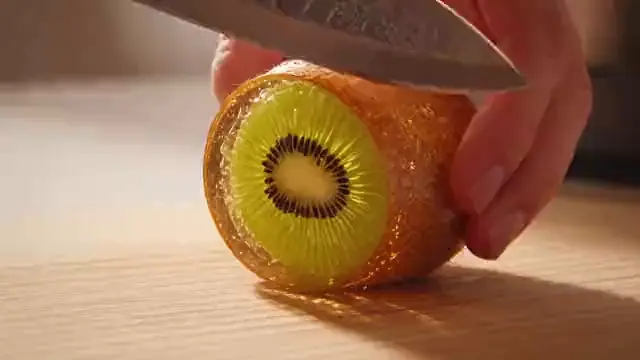
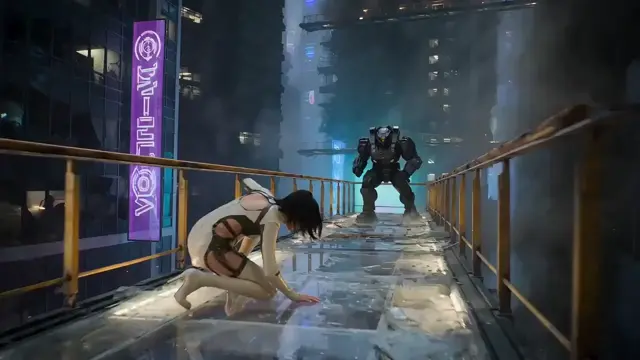
Sample generations from the platform — write your own prompt to see what Flux 2 Max does with it.

What makes Flux 2 Max stand out
Top of the Flux 2 stack
Max is the tier BFL reserves for maximum output quality — above Pro, beyond Flex’s highest settings.
Built for hero shots
Campaign keys, packaging renders, and print-destined images are where the premium is aimed.
Hard-prompt headroom
Multi-constraint briefs — specific objects, layouts, and styles at once — hold together longer on Max.
Shared family DNA
Pro and Max render the same recognizable Flux 2 aesthetic; the delta lives in the last percent of fidelity.
Kontext Max on hand
For maximum-fidelity editing, Flux Kontext Max is hosted here — the Max philosophy, applied to revisions.
Popular use cases
Why creators run Flux 2 Max on Flux 3 AI
- Get the Flux 2 signature look on flat credit pricing — no premium-tier API bill for iteration.
- Kontext Max is one selector away when an edit pass genuinely needs maximum fidelity.
- Free starter credits answer “do I need the premium tier?” with your own prompts, not reviews.
Flux 2 Max specs & capabilities
Output
- Generation modesText to Image
Flux 2 Max prompt examples
Copy one as a starting point, or send it straight to the Create studio.
“Perfume campaign hero: crystal bottle on black water at night, ripples radiating, moonlight caustics through glass, ultra-clean advertising finish”
A flagship-shot brief — the territory premium tiers are built for
“Knolling layout of 24 vintage camera parts on matte black, perfectly aligned grid, engraved markings legible, museum-catalog lighting”
Dense object count with legible micro-detail, a genuine tier separator
“Double-page magazine spread image of a chef plating dessert in a dark kitchen, single dramatic spotlight, steam and dusted sugar in the beam”
Print-destined composition where resolution headroom shows
Create with Flux 2 Max in three steps
Describe your idea
Write a prompt — the more specific the scene, motion, and style, the better Flux 2 Max performs.
Pick Flux 2 Max & settings
Choose your aspect ratio and options. The studio shows the exact credit cost before you generate.
Generate & download
Flux 2 Max renders in the cloud — track progress in your library, then download watermark-free or share with a link.
Flux 2 Max questions, answered
What is Flux 2 Max?
Flux 2 Max is the highest-fidelity tier in Black Forest Labs’ Flux 2 family, positioned above Flux 2 Pro for work where output quality justifies premium cost — hero images, print work, and heavily constrained prompts.
Flux 2 Max vs Flux 2 Pro — is Max worth it?
For most day-to-day generation, Pro delivers effectively the flagship experience — the two share the same core and aesthetic. Max pays off at the margins: dense detail, stacked constraints, and large-format output. If you would not print it or lead a campaign with it, Pro is usually the right spend.
Is Flux 2 Max available on Flux 3 AI?
Flux 3 AI hosts Flux 2 Pro as its Flux text-to-image tier, and this page’s Generate button opens the studio with Pro selected. For maximum-tier Flux editing, Flux Kontext Max is hosted and selectable in the same studio.
What does Flux 2 Max cost?
Through BFL’s API, Max is priced above Pro per image as the premium tier. On Flux 3 AI, hosted Flux generation uses flat credit pricing shown before each render, and new accounts start with free credits.
When would Flux 2 Pro actually beat using Max?
Whenever iteration count matters more than the last percent of polish — concepting, drafts, client rounds, and social-size output. Faster, cheaper renders mean more attempts at the right image, which usually moves quality further than a premium single pass.
Does Flux 2 Max handle text in images better?
Typography and fine text are exactly the kind of hard case premium tiers target, and Max is the family’s best foot forward there. For hosted work here, Flux Kontext Max is the strong-typography option, and GPT Image remains the catalog’s text-rendering specialist.