Z-Image is a streamlined text-to-image model with a simple pitch: solid image quality without the overhead of the heavyweight flagships. It has drawn attention as an efficiency-focused generator — the kind of model you reach for when you need many usable images rather than one museum piece.
Inside the Flux 3 AI Create studio, Z-Image works the same way as every other image model: type a description, set your framing, and generate with credits. Its lighter profile makes it a natural default for daily content production, where the loop of prompt, review, and retry matters more than squeezing out the last percent of fidelity.
Results save to your library and download clean. A sensible workflow is to rough out ideas and volume assets on Z-Image, then hand a chosen frame to Recraft’s crisp upscale for extra sharpness — or re-prompt a hero image on a premium model like Seedream or Imagen when the brief demands it.
See what's possible on Flux 3 AI
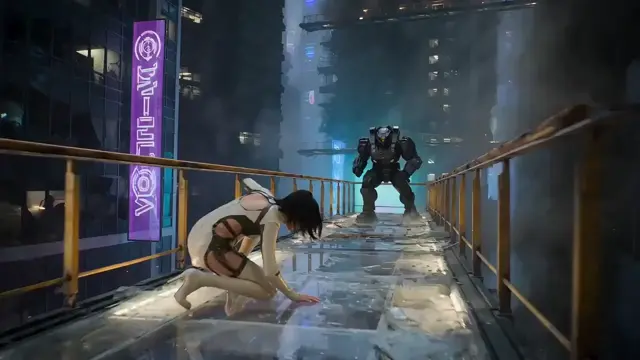
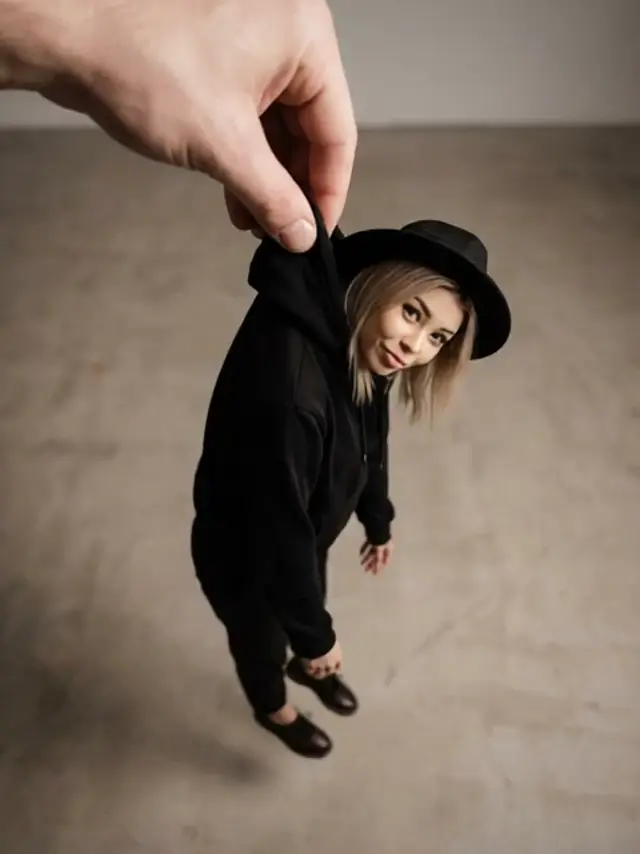
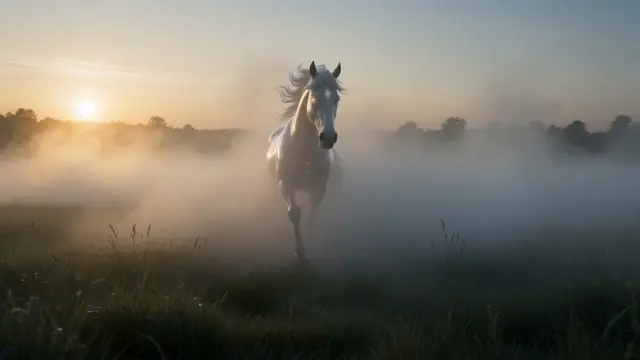
Sample generations from the platform — write your own prompt to see what Z-Image does with it.
What makes Z-Image stand out
Efficiency first
A lighter generator built to turn prompts around quickly, keeping iteration loops short and credit spend modest.
Everyday content engine
Well matched to blogs, social feeds, and internal decks — places that need a steady stream of decent images.
Simple prompting
Plain descriptive prompts work well; no elaborate prompt engineering is required to get a usable result.
Cloud rendering
Generation happens on Flux 3 AI servers, so output quality is identical on a laptop, tablet, or phone.
Upgrade path built in
Pair Z-Image drafts with Recraft upscaling or a premium re-render when one image graduates to hero status.
Popular use cases
Why creators run Z-Image on Flux 3 AI
- Stretch free sign-up credits further — Z-Image’s efficiency makes it the cheapest way to explore the studio.
- Draft in volume on Z-Image, then rerun keepers on Seedream or Imagen without switching tools.
- High-volume batches download watermark-free, ready for content calendars straight from the library.
Z-Image specs & capabilities
Output
- Generation modesText to Image
Z-Image prompt examples
Copy one as a starting point, or send it straight to the Create studio.
“A flat-lay of a tidy desk with a laptop, open notebook, coffee cup, and small succulent, bright airy daylight, clean pastel styling, top-down blog-header composition”
A quick blog-header staple suited to volume production
“A cheerful cartoon robot waving in front of a sunny city park, thick outlines, saturated primary colors, simple centered composition sized for a video thumbnail”
Simple bold shapes built for fast thumbnail iteration
“A cozy autumn reading nook with a window seat, plaid blanket, stacked books, and falling leaves outside, soft warm light, inviting social-post framing”
Everyday seasonal social content on light credit spend
Create with Z-Image in three steps
Describe your idea
Write a prompt — the more specific the scene, motion, and style, the better Z-Image performs.
Pick Z-Image & settings
Choose your aspect ratio and options. The studio shows the exact credit cost before you generate.
Generate & download
Z-Image renders in the cloud — track progress in your library, then download watermark-free or share with a link.
Z-Image questions, answered
What is Z-Image?
Z-Image is an efficiency-focused text-to-image model that generates pictures from written prompts. It is available on Flux 3 AI alongside flagship generators, positioned as the quick, economical option for day-to-day image needs.
How good is Z-Image compared to flagship image models?
It targets a different job. Flagships chase maximum fidelity; Z-Image optimizes for speed and efficiency while keeping quality solid. For thumbnails, social posts, and drafts, that trade is usually the right one — and you can always re-render a favorite on a premium model.
What can I make with Z-Image?
Anything a text prompt can describe: illustrations, scenes, objects, characters, and stylized graphics. It is especially practical for high-volume needs like content calendars, where you generate many candidates and pick the best.
Does Z-Image support image-to-image or editing?
On Flux 3 AI, Z-Image is a text-to-image model. For post-processing, send a finished generation to Recraft’s tools — crisp upscaling or background removal — instead of editing inside the model itself.
How do I try Z-Image?
Create a Flux 3 AI account, which includes free credits, open the Create studio, select Z-Image from the image model list, and generate. No downloads, GPUs, or API keys are involved.
Are Z-Image results watermarked?
No. Images you generate on Flux 3 AI download in full quality without a platform watermark, and they can be used commercially under our terms of service.