Qwen Image is the text-to-image model from Alibaba’s Qwen family, the same research line behind one of the most widely used open model ecosystems. That lineage shows in how it reads prompts: longer, more descriptive requests tend to be followed closely rather than loosely interpreted, which makes it a dependable pick for illustration and concept work.
On Flux 3 AI it runs as a pure text-to-image endpoint in the Create studio — write a prompt, choose your framing, spend credits, and collect the result in your library. There is no separate app to install and no API account to configure; the model renders in the cloud like every other generator on the platform.
Downloads arrive clean, with no watermark. If you are comparing options, try the same prompt on Qwen Image and on Z-Image or Nano Banana: Qwen’s strength is faithful handling of dense, specific descriptions, so it stands out most when your prompt reads like a paragraph rather than a phrase.
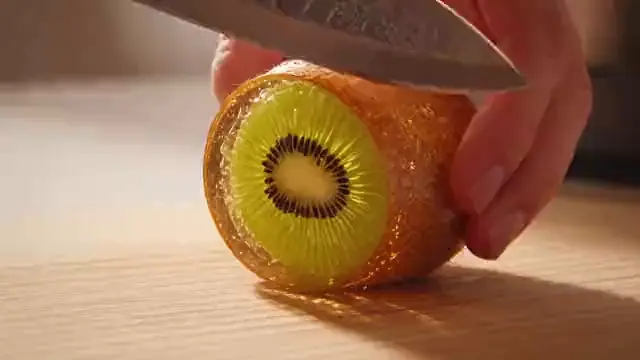
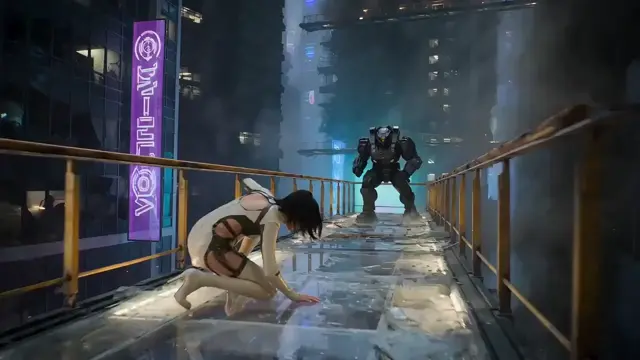
See what's possible on Flux 3 AI
Sample generations from the platform — write your own prompt to see what Qwen Image does with it.

What makes Qwen Image stand out
Strong prompt adherence
Built by the Qwen team, the model tracks detailed, multi-part prompts closely instead of drifting toward generic imagery.
Qwen ecosystem pedigree
Comes from Alibaba’s Qwen research family, a lineup with a broad open-model track record across text and vision.
Illustration to photoreal
Handles a wide stylistic range — flat illustration, painterly scenes, and realistic renders — from a single prompt box.
No setup required
Generate in the Flux 3 AI Create studio with credits; the heavy lifting happens in the cloud, not on your machine.
Watermark-free files
Every image lands in your library ready to download and publish, with no platform branding stamped on it.
Popular use cases
Why creators run Qwen Image on Flux 3 AI
- Run Qwen Image next to Z-Image on one prompt and pick a winner within minutes.
- No Alibaba cloud setup — Qwen renders in the browser on the same credits as everything else.
- Your Qwen generations, video clips, and edits collect in a single searchable library.
Qwen Image specs & capabilities
Output
- Generation modesText to Image
Qwen Image prompt examples
Copy one as a starting point, or send it straight to the Create studio.
“An isometric illustration of a night market with a ramen stall, paper lanterns strung overhead, a cat asleep on a crate, rising steam, rain-slick pavement, warm-cool contrast”
Packs many specific elements to test dense prompt fidelity
“A watercolor storybook scene of a fox in a yellow raincoat reading under a giant mushroom, dappled forest light, loose brush texture, gentle pastel palette”
Shows stylistic range with a soft watercolor illustration brief
“Concept art of a cliffside monastery connected by rope bridges, prayer flags in the wind, low clouds below, painterly golden-hour light, wide establishing composition”
Tests layered environmental detail in a painterly concept scene
Create with Qwen Image in three steps
Describe your idea
Write a prompt — the more specific the scene, motion, and style, the better Qwen Image performs.
Pick Qwen Image & settings
Choose your aspect ratio and options. The studio shows the exact credit cost before you generate.
Generate & download
Qwen Image renders in the cloud — track progress in your library, then download watermark-free or share with a link.
Qwen Image questions, answered
What is Qwen Image?
Qwen Image is a text-to-image generation model developed by Alibaba’s Qwen team. It converts written descriptions into finished pictures, and on Flux 3 AI it is available directly in the browser as part of the image model lineup.
Who makes Qwen Image?
Alibaba. The Qwen team is Alibaba’s AI research group, known for its extensive family of language and multimodal models; Qwen Image applies that expertise to picture generation.
What is Qwen Image good at?
Its standout trait is prompt fidelity: long, specific descriptions with several elements tend to survive into the final image. That makes it well suited to illustration briefs, concept art, and editorial visuals where the details are the point.
Does Qwen Image support image editing or image-to-image?
On Flux 3 AI, Qwen Image is offered as a text-to-image model. If you need editing or image-based input, pair it with an editing-capable model such as Flux Kontext, then use Qwen for fresh generations.
Qwen Image vs Z-Image — which should I pick?
Both are text-to-image models available on Flux 3 AI. Reach for Qwen Image when your prompt is detailed and adherence matters most; reach for Z-Image when you want quick, efficient everyday generations. Testing one prompt on both costs little.
How much does Qwen Image cost to use?
Generations are paid with Flux 3 AI credits, and new accounts receive free credits at sign-up. The exact cost per image is shown in the Create studio before you generate; plans are detailed on the pricing page.
Can I use Qwen Image pictures in commercial projects?
Yes — work generated on Flux 3 AI can be used commercially under our terms of service, and files download without any watermark.